
How do I delete an order?
- Go to Registrations >> Orders Dashboard
- Press on Order Header (OH) button of the order you would like to delete.
- Press the "Delete" button.
Why can’t I delete an order?
- Orders for which an invoice has been generated cannot be deleted, they can only be cancelled. For more information, please see Cancelling Orders.
- To delete a registration type order, you must first delete all type orders (services and accommodation) associated with a registrant.
Why are deleted orders still on the system?
To help track actions, deleted orders do not disappear from the system but are marked as deleted.
Deleted orders still appear highlighted in red on the orders dashboard, but they disappear in the pdf reports and exports to Excel.
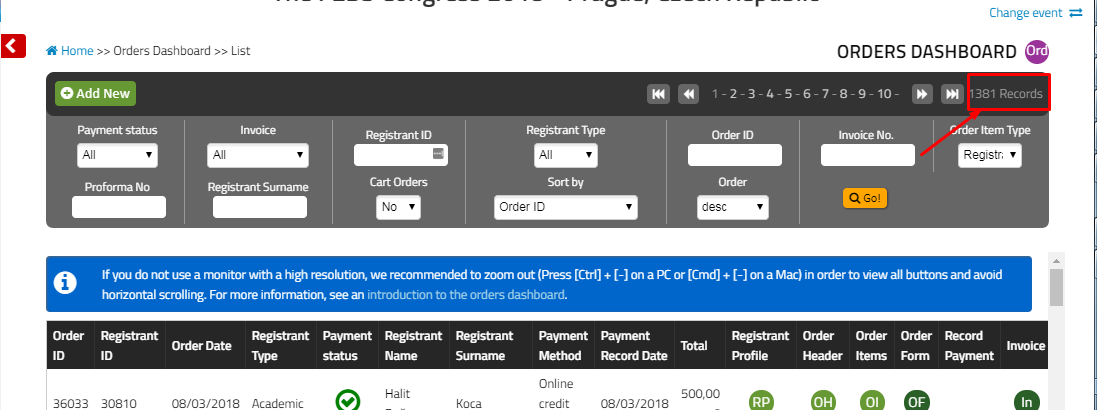
Deleted order records are excluded from the count of records. See screenshot below.
Comments
0 comments
Please sign in to leave a comment.